Authentication
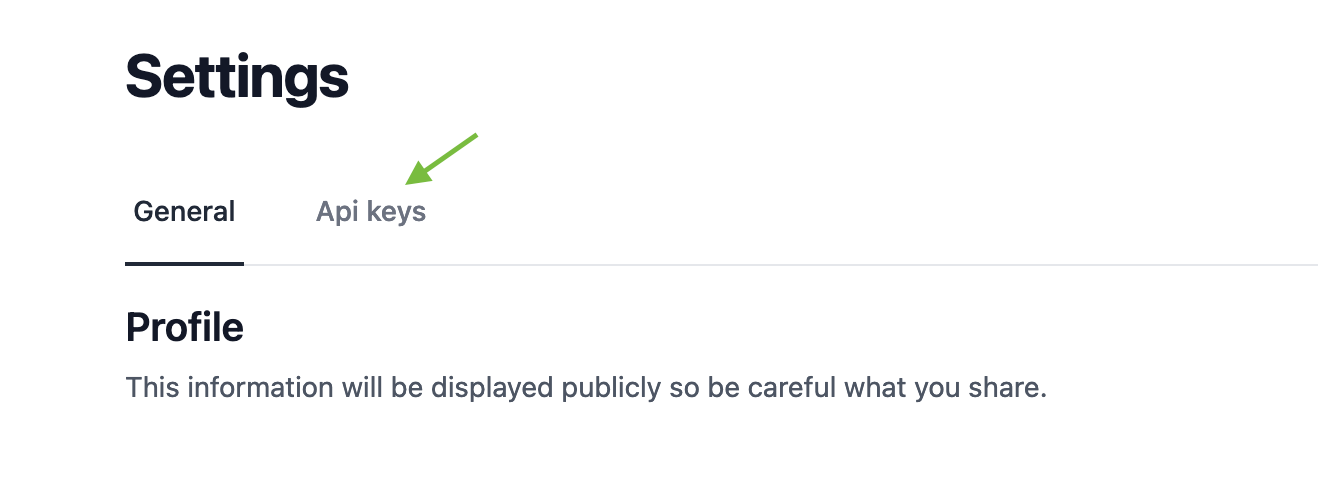
Secure your API requests by including the X-Logis-Auth header. Generate this token in the Settings > API Keys tab. See the screenshot for reference.
Obtaining Your API Key
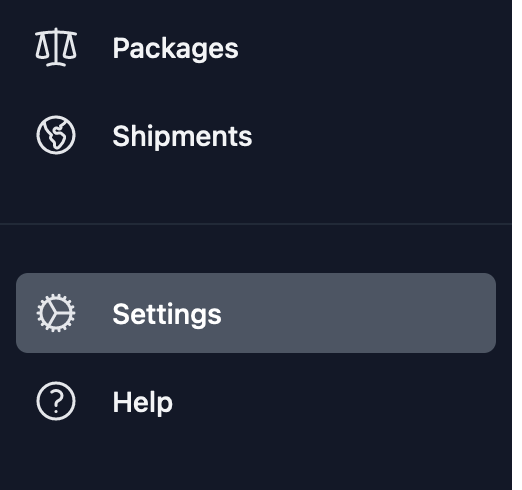
1. Navigate to Settings.
2. Click on the API Keys tab.
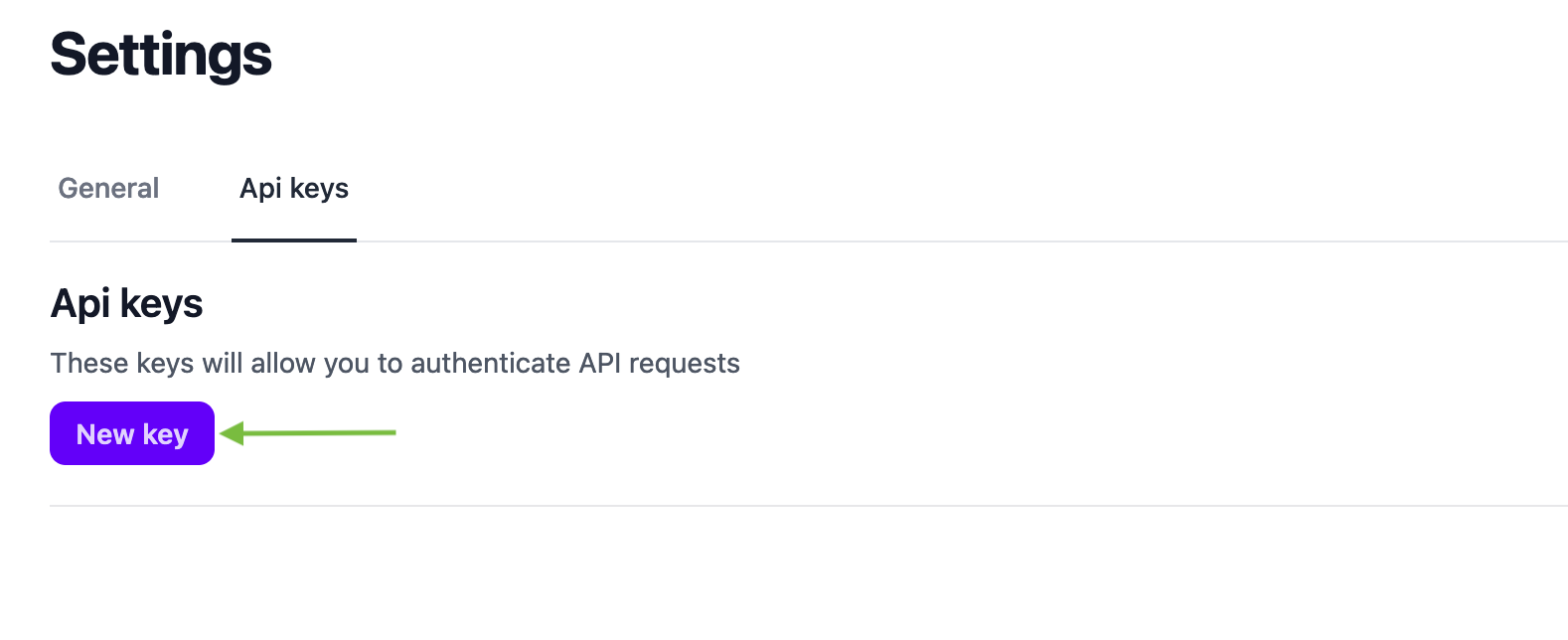
3. Create New key by clicking New Key button
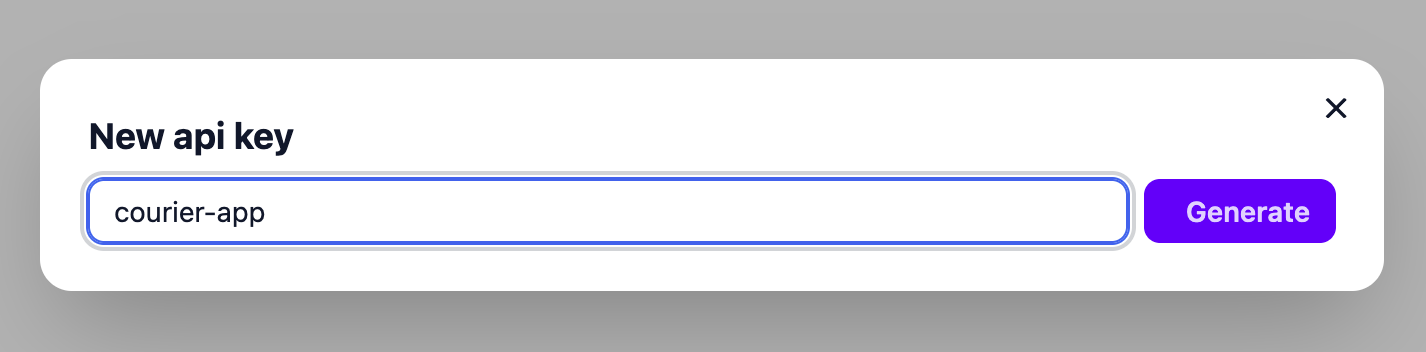
4. Enter a description and press generate
5. Copy the generated api key
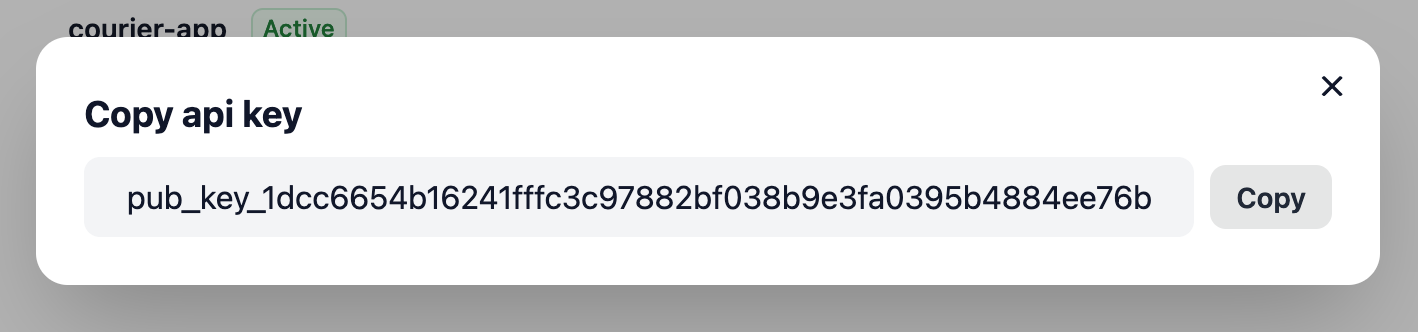
6. Include the X-Logis-Auth header in each request with Api Key. Example using cURL:
curl -X GET "https://<YOUR_COURIER_DOMAIN_COM>/rpc/public.v1.PublicService/ListCourierPackages" \
-H "X-Logis-Auth: <YOUR_GENERATED_API_KEY>" \
-d '{"cursor": "", "limit": 10}'